

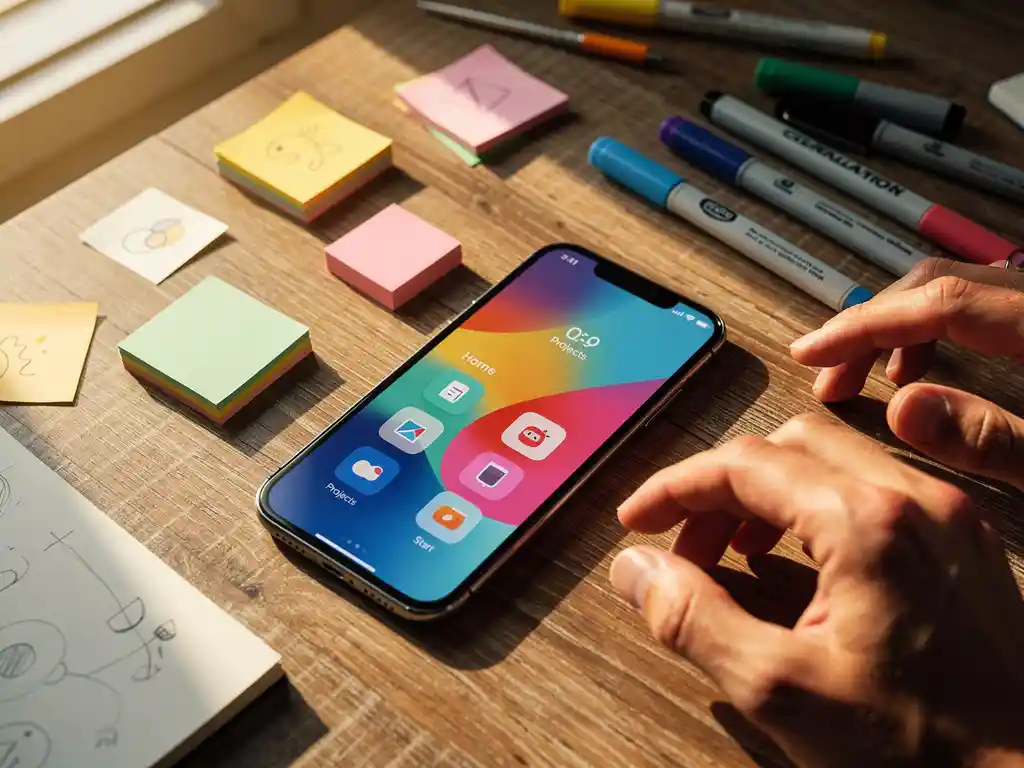
What is creative content in app advertising?
Creative content in app advertising refers to the visual and audio elements used to promote mobile applications across advertising platforms. This includes video ads, static images, interactive playable ads, carousel formats, and app preview videos that showcase your app’s features, benefits, and user experience.
These creatives appear across various channels, including social media platforms like Facebook and Instagram, search networks like Google Ads and Apple Search Ads, and specialized mobile advertising networks. The content ranges from simple banner ads featuring app screenshots to sophisticated video demonstrations that walk users through your app’s core functionality. Each creative format serves different purposes, from building awareness to driving direct installs.
Why does creative content matter more for app ads than other advertising?
App advertising creatives face unique challenges that make them more critical than traditional advertising content. Users must decide within 3–5 seconds whether to download an app based solely on visual information, without the ability to physically interact with the product first.
Unlike e-commerce or service advertising, where users can browse websites or read detailed descriptions, app advertising must communicate complex functionality through brief visual storytelling. Your creative needs to answer multiple questions simultaneously: What does this app do? How will it benefit me? Is it worth the storage space and time investment? This compressed decision-making process puts enormous pressure on creative elements to perform multiple functions at once.
Additionally, app stores are crowded marketplaces where users encounter dozens of similar apps. Your creative content becomes the primary differentiator that helps your app stand out from competitors offering similar functionality.
What types of creative formats work best for app advertising?
Video creatives consistently deliver the highest conversion rates for app advertising, particularly short-form videos between 15 and 30 seconds that demonstrate actual app usage. Playable ads, which allow users to interact with a simplified version of your app, also generate strong engagement and qualified installs.
Static image formats work well for simpler apps or when showcasing specific features. Carousel ads excel at highlighting multiple app benefits or walking users through a user journey step by step. Here are the most effective formats:
- App preview videos: Screen recordings showing real app navigation and features
- Lifestyle videos: Content showing people using your app in real-world situations
- Playable ads: Interactive mini-versions of your app that users can try before downloading
- Before-and-after static images: Screenshots comparing problems your app solves
- Carousel formats: Multiple images or videos showcasing different app features
How do you create app ad creatives that drive installs?
Effective app advertising creatives focus on demonstrating value within the first 3 seconds and include clear visual indicators of the app’s core functionality. Start with your app’s strongest feature or most compelling benefit, then build supporting context around that hook.
Begin by identifying your app’s primary value proposition and translate that into visual storytelling. Show actual app screens rather than abstract concepts, and ensure your creative matches the experience users will have after downloading. Include social proof elements like user ratings or download numbers when possible, but never fabricate these metrics.
Keep text minimal and use large, readable fonts that work across different screen sizes. Your call to action should be specific and action-oriented, such as “Download Now” or “Start Free Trial,” rather than generic phrases. Test different opening hooks to see what resonates with your target audience, and always include your app icon prominently for brand recognition.
What’s the difference between iOS and Android creative requirements?
iOS and Android platforms have different technical specifications and user behavior patterns that affect creative performance. iOS users typically respond better to premium, polished creative content that emphasizes design quality, while Android users often prefer functionality-focused creatives that highlight practical benefits.
From a technical standpoint, iOS advertising through Apple Search Ads requires specific aspect ratios and file sizes that differ from Google Ads requirements for Android promotion. Apple’s advertising guidelines are generally more restrictive regarding claims and visual elements, while Google allows more flexibility in creative approaches.
iOS creatives often perform better when they showcase the app interface in a clean, minimalist style that aligns with Apple’s design philosophy. Android creatives can be more diverse in visual style and often benefit from showing the app in various real-world contexts or demonstrating compatibility across different device types.
How do you test and optimize app advertising creatives?
Creative testing for app advertising involves running multiple variations simultaneously and measuring performance based on install rates, cost per install, and post-install engagement metrics. Start by testing different opening hooks, then move to variations in visual style, messaging, and call-to-action placement.
Set up A/B tests with statistically significant sample sizes, typically requiring at least 1,000 impressions per creative variant before drawing conclusions. Focus on testing one element at a time to identify what specifically drives performance improvements. Key metrics to track include click-through rate, install conversion rate, and day-1 retention rates for users acquired through different creatives.
Create a systematic testing schedule in which you introduce new creative variations weekly while retiring underperforming assets. Document which creative elements work best for different audience segments, as what appeals to new users might differ from what appeals to remarketing audiences. Regular creative refreshes prevent ad fatigue and maintain campaign performance over time.
Ready to elevate your app’s advertising creative strategy? We specialize in creating and optimizing app advertising campaigns that drive qualified installs and sustainable growth. Our performance marketing services combine creative expertise with data-driven optimization to help your app reach its full potential in the competitive mobile marketplace.
Frequently Asked Questions
How much budget should I allocate for creative production versus ad spend?
A good rule of thumb is to allocate 10-20% of your total advertising budget to creative production and testing. For example, if you’re spending $10,000 monthly on ads, invest $1,000-$2,000 in creating and testing new creatives. This ensures you have fresh, high-performing assets to prevent ad fatigue and maintain strong conversion rates.
What are the most common mistakes that cause app ad creatives to fail?
The biggest mistakes include showing fake gameplay or misleading features, using too much text that’s unreadable on mobile screens, and failing to show the actual app interface. Other common errors are generic stock imagery that doesn’t represent your app, unclear value propositions, and forgetting to include your app icon for brand recognition.
How often should I refresh my app advertising creatives?
Refresh your creatives every 2-4 weeks to prevent ad fatigue, or sooner if you notice declining performance metrics like decreased click-through rates or higher cost per install. High-performing creatives can run longer, but always have 3-5 new variations ready to test. Monitor frequency metrics—if users see the same ad more than 3-4 times, it’s time for new creative assets.
Can I use the same creative across all advertising platforms?
While you can adapt the same core concept across platforms, each channel requires specific optimizations. Facebook and Instagram favor native-looking content, Google Ads works well with clean, benefit-focused designs, and Apple Search Ads perform better with premium, minimalist aesthetics. Always adjust aspect ratios, file sizes, and messaging to match each platform’s requirements and user expectations.
How do I create effective app creatives with a limited budget?
Focus on screen recording tools to create authentic app preview videos, use free design tools like Canva for static images, and leverage user-generated content from satisfied customers. Start with simple before-and-after screenshots highlighting your app’s main benefit, then gradually invest in more sophisticated video content as your campaigns prove profitable.
What metrics should I track to determine if my app ad creatives are successful?
Track click-through rate (CTR) for engagement, install conversion rate for immediate action, cost per install (CPI) for efficiency, and day-1 retention rate for quality. Also monitor post-install events like registration completion or first purchase. A successful creative typically achieves above-average CTR for your industry, converts at 15%+ from click to install, and delivers users with strong retention rates.
Should I include app store ratings and download numbers in my creatives?
Yes, but only if they’re genuinely impressive and current. Include ratings of 4.0+ stars and significant download milestones (100K+, 1M+ downloads) as social proof elements. However, never fabricate these numbers—app stores and advertising platforms can verify this information. If your ratings are below 4.0, focus on showcasing app functionality and benefits instead of social proof metrics.
Related Articles
- Why is my app ad reporting always delayed?
- 5 key app store optimization metrics every app team should track
- How do I know if an app campaign is actually profitable?
- 9 creative ad formats to advertise your app and stand out
- Why is it important to advertise your app consistently?
- How does programmatic advertising help you advertise your app?
- How do you advertise an app to build long-term brand awareness?
- How does SKAdNetwork affect the way you advertise your app?
- How does A/B testing improve the way you advertise your app?
- What is the difference between organic and paid app installs?


 EN
EN  NL
NL 