

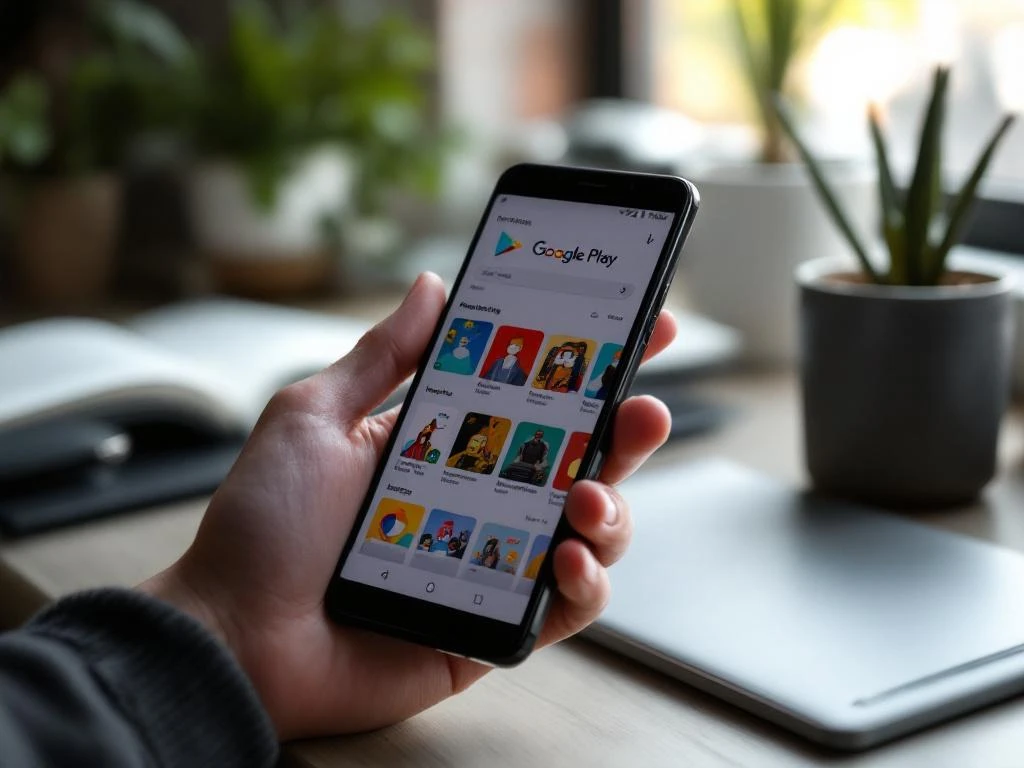
Custom store listings on Google Play are multiple versions of your app’s store page that you can create to target different audiences, countries, or user segments. This feature allows you to tailor your app description, screenshots, and other store elements for specific demographics or markets, helping improve conversion rates and user engagement across diverse audiences. Implementing effective App Store Optimization strategies can enhance these benefits.
What exactly are custom store listings on Google Play?
Custom store listings are a Google Play Console feature that lets developers create multiple versions of their app’s store page to target different audiences with tailored content. Instead of having one generic store listing for everyone, you can customize your app’s presentation for specific user segments, countries, or demographics.
This feature works by allowing you to maintain your default store listing while creating additional variations. Each custom listing can have different descriptions, screenshots, feature graphics, and promotional videos. When users browse Google Play, they see the version that best matches their profile or location.
The system automatically displays the most relevant listing based on factors like user location, language preferences, and demographic data. This targeted approach helps you speak directly to different audience segments using language, imagery, and messaging that resonate with their specific needs and interests.
How do custom store listings actually work in practice?
Custom store listings work through Google Play Console’s targeting system, where you create variations of your store page and set specific parameters for when each version appears. The process involves creating new listings, customizing content for each audience, and configuring targeting rules that determine which users see which version.
When you set up a custom listing, you choose your targeting criteria, such as geographic location, user demographics, or device characteristics. Google Play then serves the appropriate listing to users who match those criteria. If a user doesn’t match any custom listing parameters, they see your default store listing.
The technical implementation happens automatically once you publish your custom listings. Google’s algorithms handle the distribution, ensuring users see the most relevant version without any additional work on your part. You can track performance for each listing separately through Google Play Console analytics, allowing you to measure which versions perform best for different audiences.
What can you customize in different store listings?
You can customize several key elements in custom store listings, including your app description, short description, screenshots, feature graphic, promotional video, and app icon. These elements allow you to create completely different presentations of your app for various audiences while maintaining the same core functionality.
Your app description can be rewritten to highlight features that matter most to specific user groups. For example, a fitness app might emphasize weight loss features for one audience and strength training for another. Screenshots can showcase different use cases or display content in various languages to match local preferences.
The feature graphic and promotional video offer opportunities to create visual content that speaks to different demographics. You might use different color schemes, imagery, or messaging styles that appeal to various age groups or cultural preferences. Your app icon can also be adjusted, though this requires careful consideration as it affects brand recognition.
Short descriptions provide space for targeted messaging that immediately communicates value to specific audiences. This brief text appears prominently in search results, making it particularly important for capturing attention from your intended user segments.
Why would you want to create multiple store listings for your app?
Creating multiple store listings helps you target different demographics more effectively, localize content for specific markets, test different messaging approaches, and improve conversion rates across various user segments. This targeted approach typically results in higher download rates because your app presentation speaks directly to each audience’s specific needs and preferences.
Market localization becomes much more effective when you can adjust not just language but also cultural references, imagery, and feature emphasis. A dating app might highlight different aspects of the service in conservative versus liberal markets, or a food delivery app could showcase local cuisine preferences in different regions.
Testing different messaging approaches allows you to experiment with various value propositions without affecting your entire user base. You can test whether emphasizing convenience, cost savings, or premium features works better for different audience segments, then optimize based on actual conversion data.
Different user demographics often care about different app features. Business users might prioritize productivity and integration capabilities, while casual users focus on ease of use and entertainment value. Custom listings let you highlight the most relevant benefits for each group, improving your chances of converting browsers into users.
How do you set up custom store listings in Google Play Console?
Setting up custom store listings requires accessing the Store presence section in Google Play Console, creating new custom store listings, configuring your targeting parameters, uploading customized assets, and publishing your changes. The process involves careful planning to ensure each listing aligns with your target audience’s preferences and needs.
Start by navigating to Store presence and selecting Store listing from your Google Play Console dashboard. Look for the “Custom store listings” option, then click “Create custom store listing” to begin. You’ll need to provide a name for internal tracking purposes—choose something descriptive that helps you identify the target audience.
Configure your targeting parameters by selecting the countries, languages, or user segments you want to reach with this specific listing. Be strategic about your choices, as overly broad targeting can dilute your message, while overly narrow targeting might limit your reach unnecessarily.
Upload your customized assets, including descriptions, screenshots, feature graphics, and any promotional videos. Ensure all content meets Google Play’s guidelines and maintains consistency with your app’s actual functionality. Your custom content should be genuine representations of your app, not misleading variations.
Review everything carefully before publishing, as changes can take several hours to appear in the store. Monitor performance through Google Play Console analytics to understand which custom listings perform best. This data helps you refine your approach and create even more effective targeted content. Consider implementing App Store Optimization strategies alongside your custom listings to maximize visibility and conversion rates across all your store variations.
Custom store listings represent a powerful way to personalize your app’s presentation for different audiences. By tailoring your store presence to specific user groups, you can significantly improve your conversion rates and user acquisition efforts. We help app developers implement these strategies effectively, ensuring your custom listings work together with broader optimization efforts to drive sustainable growth and user engagement.
Frequently Asked Questions
How many custom store listings can I create for my app?
Google Play Console allows you to create up to 50 custom store listings per app. However, it's better to focus on creating 3-5 well-targeted listings rather than many generic ones, as this allows you to properly optimize and monitor performance for each audience segment.
Will creating custom store listings affect my app's search ranking?
Custom store listings don't negatively impact your search ranking. In fact, they can improve your overall performance by increasing conversion rates for targeted audiences. Google's algorithm considers user engagement and conversion rates as ranking factors, so better-targeted listings often lead to improved visibility.
What happens if I update my default store listing - do I need to update all custom listings too?
Updates to your default listing don't automatically apply to custom listings. Each listing is independent, so you'll need to manually update custom listings if you want to maintain consistency. This gives you flexibility but requires careful management to avoid outdated information.
How long does it take for custom store listings to go live after publishing?
Custom store listings typically take 2-8 hours to appear in Google Play after publishing, though it can occasionally take up to 24 hours. Google needs time to process the changes and distribute them across their global infrastructure. You can check the status in your Google Play Console.
Can I target the same country with multiple custom store listings?
Yes, you can create multiple custom listings for the same country by using different demographic targeting criteria like age groups, interests, or device types. However, be careful not to create overlapping audiences, as this can lead to inconsistent user experiences and unclear performance data.
What's the biggest mistake developers make when creating custom store listings?
The most common mistake is creating listings that are too similar to each other or don't genuinely reflect different user needs. Successful custom listings require distinct messaging, imagery, and value propositions tailored to specific audience segments rather than minor variations of the same content.
How can I measure which custom store listings are performing best?
Use Google Play Console's analytics to track conversion rates, impressions, and installs for each custom listing separately. Focus on conversion rate as the primary metric, as this indicates how well each listing resonates with its target audience. A/B testing different elements can help you optimize performance over time.



 EN
EN  NL
NL 