

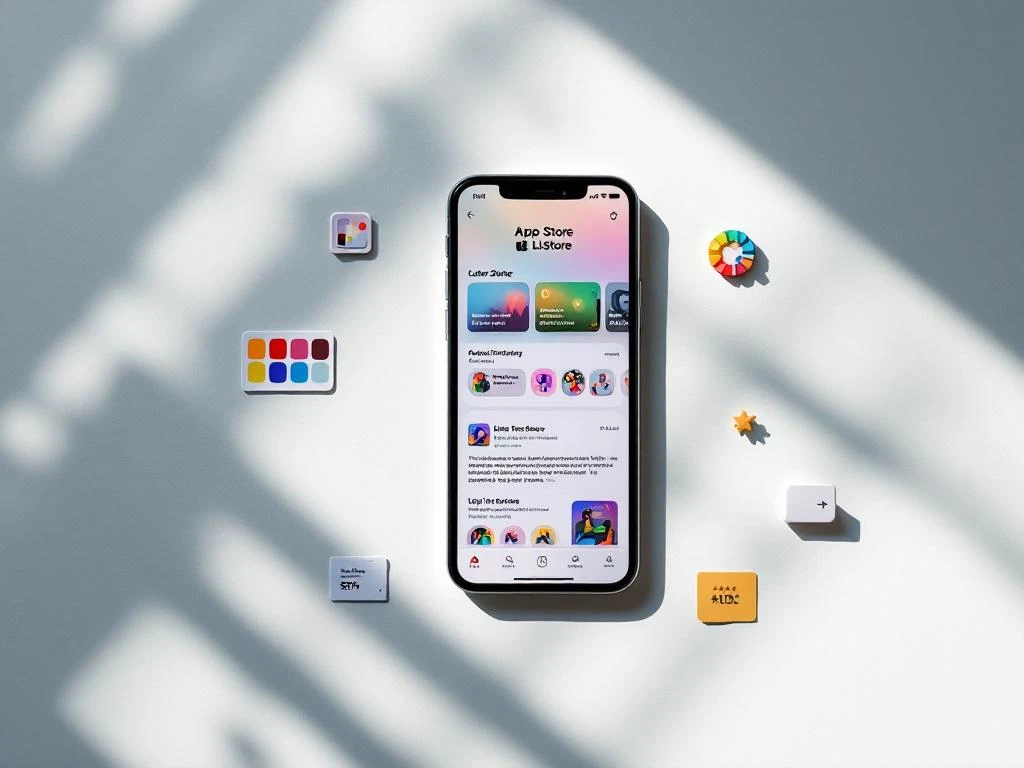
Your app store listing is your digital storefront, and every element either convinces users to download or sends them to your competitors. A/B testing transforms guesswork into data-driven decisions that boost conversion rates and drive more organic downloads. By systematically testing different versions of your app icon, title, screenshots, and other listing elements, you can identify what resonates with your target audience and optimize for maximum impact. This approach helps you understand user behavior patterns and refine your App Store Optimization strategy for sustained growth.
1: App icon design and visual appeal
Your app icon serves as the first impression users get of your brand, appearing in search results, featured sections, and on home screens. Testing different icon variations reveals which design elements attract your specific audience and drive higher tap-through rates.
Start by testing color schemes that align with your brand while standing out in the app store environment. Consider how your icon appears against different backgrounds and alongside competitor apps. Test variations in design complexity, from minimalist approaches to more detailed illustrations, and evaluate how different imagery choices perform across various demographics.
Remember that icon performance can vary significantly between iOS and Android platforms, as well as across different regions. What works for enterprise users in the Netherlands might differ from what appeals to younger demographics in other markets. Run separate tests for each platform and target audience to maximize your conversion potential.
2: App title and keyword optimization
Your app title balances brand recognition with search discoverability, making it one of the most important elements to test systematically. Different title formulations can dramatically impact both your search rankings and user perception of your app’s value proposition.
Test various approaches to keyword placement within your title while maintaining readability and brand integrity. Consider testing longer descriptive titles against shorter, brand-focused options to see which drives better performance for your specific app category. Pay attention to character limits on different platforms and how truncation affects user understanding.
Experiment with different ways of communicating your app’s primary benefit or function within the title structure. Some apps perform better with direct, functional titles, while others benefit from more creative or branded approaches. Track how title changes affect both conversion rates and organic search visibility over time.
3: Screenshots and visual storytelling sequence
Screenshots tell your app’s story and demonstrate its value before users even read your description. The sequence and content of these images significantly influence download decisions, making systematic testing crucial for optimization.
Test different arrangements of your screenshots to identify which sequence most effectively guides users through your app’s key benefits. Consider whether leading with your most compelling feature or following a logical user journey produces better results. Experiment with feature highlights and annotations that help users quickly understand your app’s functionality.
Evaluate how different visual narratives perform across your target demographics. Enterprise users might respond better to professional, clean interfaces, while consumer-focused apps might benefit from more lifestyle-oriented imagery. Test variations in text overlay, device mockups, and background elements to create the most compelling visual story.
4: App description copy and messaging
Your app description provides the detailed information users need to make download decisions, but the approach and formatting significantly impact readability and persuasion. Testing different description strategies helps you find the most effective way to communicate your app’s value.
Compare benefit-focused copy against feature-focused descriptions to determine what resonates with your audience. Test different lengths and structures, from concise, punchy descriptions to more comprehensive explanations of functionality. Consider how formatting elements like bullet points and short paragraphs affect user engagement and conversion rates.
Experiment with different opening lines and calls to action throughout your description. Some apps perform better with immediate value propositions, while others benefit from building credibility first. Test how social proof, awards, or user testimonials impact download decisions when integrated naturally into your description copy.
5: What preview video content drives downloads?
App preview videos offer dynamic demonstrations of your app’s functionality, but the content, length, and presentation style significantly impact their effectiveness. Testing different video approaches helps you create compelling previews that convert browsers into downloaders.
Test various video lengths to find the optimal duration for your audience and app type. Consider whether quick, 15-second overviews perform better than longer, more detailed demonstrations. Experiment with different content focuses, from feature showcases to user journey demonstrations, and evaluate how call-to-action placement affects viewer behavior.
Pay particular attention to the first few seconds of your video, as this determines whether users continue watching. Test different opening approaches, from immediate value demonstrations to problem-solution narratives. Consider how background music, voiceovers, and text overlays contribute to user engagement and conversion rates.
6: Subtitle and tagline effectiveness
Your app’s subtitle or tagline provides additional context and reinforcement for your main title, offering another opportunity to communicate value and improve conversion rates. Testing different subtitle approaches helps you maximize this secondary messaging space.
Experiment with various value propositions and benefit statements that complement your main title without redundancy. Test how different subtitle lengths and styles affect user perception and download behavior. Consider whether descriptive subtitles outperform creative or branded taglines for your specific audience and app category.
Evaluate how your subtitle performs in conjunction with other listing elements, particularly your icon and first screenshot. Sometimes a subtitle that seems effective in isolation does not work as well within the complete listing context. Test combinations to ensure all elements work together harmoniously to drive conversions.
Start testing your app store elements today
Implementing A/B testing for your app store listing elements transforms your optimization efforts from guesswork into strategic, data-driven improvements. Start with the elements that typically have the highest impact on conversion rates, such as your icon and first screenshot, before moving on to more nuanced tests of copy and video content.
Plan your testing timeline to allow for statistical significance while maintaining momentum in your optimization efforts. Most tests require at least a few weeks to generate reliable data, so prioritize the elements most likely to impact your specific goals. Remember that comprehensive App Store Optimization involves ongoing testing and refinement rather than one-time improvements.
Ready to take your app store performance to the next level? Our team at Wuzzon specializes in App Store Optimization strategies that drive sustainable growth for apps across the Netherlands and beyond. We help you implement systematic testing approaches that turn your app store listing into a conversion-optimized growth engine.
Frequently Asked Questions
How long should I run each A/B test to get reliable results?
Most app store A/B tests require 2-4 weeks to reach statistical significance, depending on your app’s traffic volume. You need at least 1,000 impressions per variant and a confidence level of 95% before making decisions. Apps with lower traffic may need longer testing periods, while high-traffic apps can often get reliable results in 1-2 weeks.
Should I test multiple elements simultaneously or one at a time?
Test one element at a time to clearly identify what drives performance changes. Testing multiple elements simultaneously (multivariate testing) can muddy results and make it difficult to determine which change caused the improvement. Focus on high-impact elements like icons and screenshots first, then move to secondary elements like descriptions.
What's the biggest mistake developers make when A/B testing app store listings?
The most common mistake is ending tests too early before reaching statistical significance. Many developers see early positive results and immediately implement changes, only to find that performance drops over time. Always wait for your predetermined sample size and time period to ensure reliable, actionable data.
How do I know which metrics to focus on when evaluating test results?
Focus primarily on conversion rate (installs/impressions) as your main success metric, but also monitor click-through rate for elements like icons and screenshots. Track both metrics together since an element might increase clicks but decrease actual downloads. For video previews, also measure completion rates to understand engagement levels.
Can I use the same A/B test results across iOS and Android platforms?
No, always run separate tests for iOS and Android as user behavior and visual preferences differ significantly between platforms. iOS users often prefer more minimalist designs while Android users may respond better to more detailed visuals. Platform-specific testing ensures you optimize for each audience’s unique characteristics.
What should I do if my A/B test shows no significant difference between variants?
A non-significant result is still valuable data – it tells you the tested element isn’t a major conversion driver. Move on to testing other elements or try more dramatically different variations. Sometimes subtle changes don’t move the needle, but bold design or messaging differences will reveal user preferences.
How often should I revisit and retest previously optimized elements?
Retest major elements like icons and screenshots every 6-12 months, as user preferences and competitive landscapes evolve. Seasonal trends, new competitors, and changing demographics can affect what resonates with your audience. Regular retesting ensures your optimizations remain effective over time.
Related Articles
- AppsFlyer vs Singular: pricing compared for app marketing
- How do I know if our app measurement setup fits our company size?
- 5 best app attribution tracking tools compared
- 5 best MMPs for multi-channel app reporting
- Why is it important to advertise your app consistently?
- How do video ads help you advertise your app?
- What are the legal requirements for app advertising in Europe?
- How do you measure app store optimization success?
- What are long-tail keywords in app store optimization?
- 6 app store metadata optimization tips for iOS and Android




 EN
EN  NL
NL 