

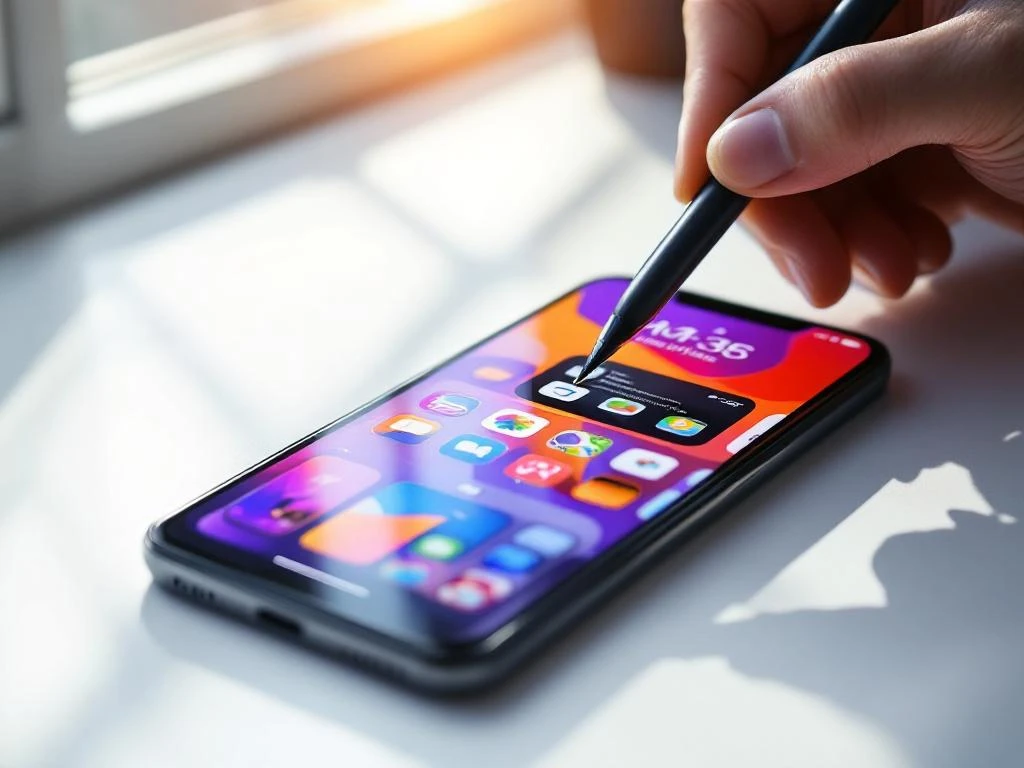
You should use 3–5 screenshots for your app store listing on both iOS and Android platforms. The Apple App Store requires a minimum of 3 screenshots and allows up to 10, while the Google Play Store requires at least 2 and permits up to 8. However, research shows that 4–5 well-crafted screenshots typically deliver the best conversion rates by providing enough information without overwhelming users.
What are the official screenshot requirements for iOS and Android?
The Apple App Store requires a minimum of 3 screenshots and allows up to 10 per device type. Screenshots must be in PNG or JPEG format with specific dimensions: 1290 x 2796 pixels for iPhone 14 Pro Max, 1284 x 2778 pixels for iPhone 14 Pro, and 2048 x 2732 pixels for iPad Pro. The Google Play Store requires at least 2 screenshots and accepts up to 8, with dimensions of 1080 x 1920 pixels minimum for phones and 1200 x 1920 pixels for tablets.
Both platforms have strict technical requirements beyond just numbers and dimensions. Apple requires screenshots to be taken from actual devices or simulators, not mockups or artistic renderings. The content must accurately represent your app’s functionality and cannot include placeholder text or empty states unless they are part of the actual user experience.
The Google Play Store allows more flexibility in screenshot design but maintains quality standards. Your screenshots cannot contain nudity, violence, or misleading information about app functionality. Both platforms automatically reject submissions that do not meet technical specifications, so double-check your dimensions and file formats before uploading.
How many screenshots should you actually use for maximum impact?
Four to five screenshots consistently perform best for app store conversions across most categories. This range provides enough space to showcase key features while maintaining user attention. Using fewer than three screenshots often leaves users with insufficient information, while more than six can create decision paralysis and reduce conversion rates.
The optimal number depends on your app’s complexity and user expectations. Simple utility apps often succeed with 3–4 screenshots focusing on core functionality and benefits. Complex apps like games or productivity tools may benefit from 5–6 screenshots that demonstrate different features, gameplay mechanics, or use cases.
Consider your app’s download funnel when deciding on screenshot quantity. Users typically spend 6–10 seconds scanning your app store listing before making a decision. Each additional screenshot reduces the likelihood that users will view all of them, so prioritize quality over quantity. Focus on creating compelling, informative screenshots rather than filling all available slots.
What’s the difference between iOS and Android screenshot strategies?
iOS users typically prefer cleaner, minimalist screenshot designs that emphasize the app interface with minimal text overlay. Android users respond better to screenshots with descriptive text, feature callouts, and more detailed explanations of functionality. This reflects different platform cultures and user expectations developed over years of distinct design philosophies.
App Store Optimization strategies should account for these platform differences. iOS screenshots often perform better when they showcase the actual app interface with subtle highlighting or annotations. The premium feel of Apple’s ecosystem means users expect polished, professional presentations that let the interface speak for itself.
Android users, coming from a more diverse ecosystem of devices and experiences, often appreciate screenshots that clearly explain what the app does and why they should download it. Text overlays, feature highlights, and benefit-focused messaging typically perform better on the Google Play Store. Consider creating platform-specific screenshot sets rather than using identical images across both stores.
Which screenshots convert best in the first three positions?
Your first screenshot should showcase your app’s primary value proposition or most compelling feature immediately. The second screenshot works best when it demonstrates core functionality or shows the main user interface. The third position should highlight a key differentiator or secondary feature that sets your app apart from competitors.
Position one captures attention and determines whether users continue viewing your listing. Make this screenshot your strongest performer—whether that is gameplay footage for games, the main dashboard for productivity apps, or key results for fitness applications. Avoid generic welcome screens or login pages in this critical position.
The sequence should tell a story about your app’s value. Think of these three screenshots as a mini-presentation: hook them with the first, show them how it works with the second, and convince them why they need it with the third. Users who view all three screenshots are significantly more likely to download your app than those who only see the first image.
How do you optimize screenshots for different app categories?
Gaming apps should lead with action shots or exciting gameplay moments, followed by character customization or progression systems. Social apps perform better when screenshots show active conversations, user-generated content, or community features. Productivity apps should focus on clean interfaces, workflow demonstrations, and time-saving benefits.
Business applications require a different approach entirely. Lead with dashboard views or key metrics, then show specific functionality that solves business problems. Include screenshots that demonstrate ROI or efficiency gains when possible. Professional users want to see exactly how your app integrates into their existing workflows.
E-commerce and shopping apps should showcase product discovery, easy checkout processes, and personalized recommendations. Fitness apps convert better with before-and-after imagery, workout demonstrations, or progress-tracking interfaces. Each category has developed user expectations—study successful apps in your space and adapt their screenshot strategies while maintaining your unique positioning.
Getting your screenshot strategy right requires understanding both technical requirements and user psychology. The combination of proper formatting, optimal quantity, and compelling content creates app store listings that convert browsers into users. For comprehensive App Store Optimization support that covers screenshots alongside keyword optimization and metadata enhancement, working with specialists can help you achieve better results across both iOS and Android platforms.
Frequently Asked Questions
Should I use the same screenshots for both iOS and Android, or create separate versions?
Create separate screenshot sets for each platform. iOS users prefer cleaner, minimalist designs that showcase the interface with minimal text, while Android users respond better to screenshots with descriptive text overlays and feature callouts. Platform-specific optimization can significantly improve conversion rates.
What's the biggest mistake developers make when creating app store screenshots?
The most common mistake is using generic welcome screens or login pages as the first screenshot. Your first image should immediately showcase your app's primary value proposition or most compelling feature, as this determines whether users continue viewing your listing.
How do I know if my screenshots are actually converting well?
Monitor your app store conversion rates through App Store Connect (iOS) or Google Play Console (Android). Track metrics like impression-to-page-view ratios and page-view-to-install rates. A/B testing different screenshot combinations can help identify which versions perform best for your specific audience.
Can I include text overlays and graphics on my screenshots, or do they need to be pure app interface captures?
Both platforms allow text overlays and graphics, but with different restrictions. Apple requires that screenshots represent actual app functionality and cannot be purely artistic renderings. Google Play is more flexible with design elements but prohibits misleading information about app features.
What should I do if my app has different interfaces for phones and tablets?
Create device-specific screenshot sets that showcase how your app optimizes for each screen size. Apple requires separate screenshots for different device types, while Google Play allows you to upload phone and tablet versions. Highlight unique tablet features like split-screen functionality or enhanced layouts.
How often should I update my app store screenshots?
Update screenshots whenever you release major feature updates, redesign your interface, or notice declining conversion rates. Seasonal updates can also boost visibility during app store algorithm refreshes. However, avoid changing screenshots too frequently, as it can reset your optimization data and confuse returning users.
What tools can help me create professional-looking app store screenshots?
Popular tools include Figma or Sketch for design, Screenshot Creator or App Store Screenshot for templates, and device mockup generators like Cleanmock or MockupsJar. Many developers also use Canva for text overlays and branding elements, ensuring screenshots maintain professional quality while meeting technical requirements.

 EN
EN  NL
NL 